
TL;DR:
- A complete and optimized Google Business Profile is essential for local visibility and customer trust.
- Consistent updates, accurate NAP info, and engagement strengthen your dispensary’s ranking over time.
- Organic local search is a cost-effective growth strategy often overlooked in favor of paid advertising.
When a potential customer types “cannabis dispensary near me” into Google, your business has seconds to appear or get skipped entirely. If your Google Maps listing is incomplete, unverified, or missing key details, that customer walks into your competitor’s store instead of yours. A fully optimized Google Business Profile (GBP) acts as your digital storefront, working around the clock to drive foot traffic and phone calls. This guide walks you through every step, from gathering the right documents to maintaining a listing that ranks well and stays compliant with Google’s policies for cannabis businesses.
| Point | Details |
|---|---|
| Start with compliance | Assemble all business licenses and required info before listing to ensure fast Google approval. |
| Follow every step | Each stage of the listing process matters for visibility and avoiding pitfalls that could stall verification. |
| Optimize for search | Use consistent NAP, rich descriptions, quality photos, and attributes for maximum ranking power. |
| Maintain regularly | Continuously update your listing and engage with reviews to outperform the competition and stay compliant. |
Now that you understand why a flawless Google Maps presence is critical, let’s start by assembling everything you’ll need for a smooth setup process.
Rushing into a Google Maps listing without preparation is one of the most common mistakes dispensary owners make. Google may flag your listing for additional review, and if you’re not ready with the right documents, you could face delays that cost you weeks of visibility. Understanding SEO compliance for cannabis before you begin will save you significant headaches.
Here’s what to gather before you open business.google.com:
| Document | Why it matters |
|---|---|
| State cannabis license | Required for verification and compliance |
| Business registration | Confirms legal entity status |
| Accurate NAP details | Ensures consistent search signals |
| Quality photos | Increases clicks and customer trust |
| Business hours | Critical for “open now” search queries |
As noted in Google Business Profile importance, a complete profile dramatically outperforms a sparse one in local search results. Cannabis businesses may face extra scrutiny but succeed by providing license proof when requested, so keep digital copies of your license accessible throughout this process.
Pro Tip: Create a dedicated Google account using your business domain email rather than a personal Gmail. This keeps your listing separate from personal accounts and makes it easier to manage access for staff or marketing partners.
With your documents and credentials on hand, you’re ready to follow the practical steps for a compliant, visible Google Maps listing.
Create or use a Google account and visit business.google.com to begin. Here is the full process broken down:
| Verification method | Best for | Typical wait time |
|---|---|---|
| Postcard | New listings without phone/email option | 5 to 14 days |
| Phone or email | Established businesses | Immediate |
| Video verification | Accounts flagged for review | 3 to 7 days |
| Live video call | High-scrutiny categories | Scheduled |
To boost your Google Maps ranking, selecting the correct primary category matters more than most owners realize. “Cannabis store” signals to Google exactly what your business is, which directly affects which local searches you appear in. You can add secondary categories later, but the primary one carries the most weight.
Pro Tip: During video verification, walk Google’s reviewer through your physical storefront, show your signage, and have your state license visible. Being prepared speeds up approval significantly.
“A dispensary that completes every field during setup and selects the correct category from day one will outrank a competitor with a half-finished profile, even if that competitor has been open longer.”
For a deeper look at dispensary Maps optimization, explore how category selection and NAP accuracy interact with Google’s local ranking algorithm.
After claiming your listing, the real leverage comes from optimization. Here are the critical elements that drive both visibility and compliance.

Claiming your listing is just the starting line. The dispensaries that consistently appear in the top three local results, known as the “Local Pack,” are the ones that treat optimization as an ongoing practice rather than a one-time task. Following a solid cannabis optimization checklist keeps you on track.
Here are the key optimization actions to prioritize:
The local SEO for dispensaries approach that works best combines all of these elements together rather than focusing on just one or two. Businesses with complete profiles are 2.7 times more likely to be considered reputable by consumers, which directly translates to more in-store visits.
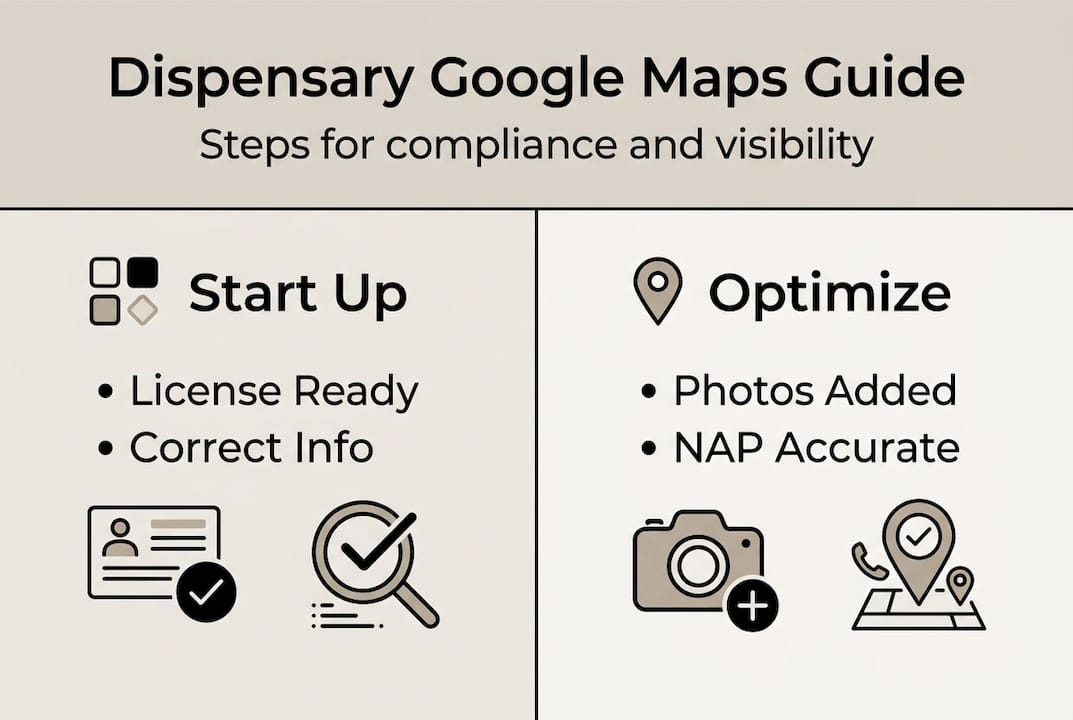
Pro Tip: Use Google’s photo insights to see which images get the most views. Double down on those styles and angles to keep your visual presence strong and relevant.
With your listing optimized, maintaining its edge and compliance over the long run becomes your competitive advantage.
A Google Maps listing is not a set-it-and-forget-it asset. Google regularly updates its policies, algorithms, and features. Dispensaries that treat their listing as a living part of their marketing strategy consistently outperform those that don’t. Expert consensus confirms that prioritizing the “Cannabis store” category, NAP exactness, and review management without incentives are the pillars of a strong, lasting listing.
Here’s what a solid maintenance routine looks like:
| Maintenance task | Frequency | Why it matters |
|---|---|---|
| Update business hours | As needed | Prevents customer frustration |
| Add new photos | Monthly | Signals active listing to Google |
| Respond to reviews | Within 48 hours | Builds trust and ranking signals |
| Check suggested edits | Weekly | Prevents unauthorized changes |
| Review GBP Insights | Monthly | Tracks performance trends |
For local SEO for cannabis businesses, review management is especially sensitive. Never offer discounts, free products, or any form of compensation in exchange for reviews. This violates Google’s policies and can result in listing suspension. Instead, train your budtenders to mention Google reviews naturally at the end of a positive customer interaction. This cannabis local SEO guide covers review strategy in detail.
Pro Tip: Set a recurring calendar reminder every Monday to check your GBP dashboard. Ten minutes a week keeps your listing accurate and gives you early warning of any issues.
Having mapped every step, here’s a perspective few dispensary owners hear when it comes to Google Maps as a real business asset.
Most dispensaries we work with have tried paid social ads, influencer partnerships, or loyalty programs before they ever invest serious attention in their Google Maps listing. That order is backwards. When paid advertising channels restrict cannabis content, organic local search becomes your most reliable and cost-effective growth channel. Yet it’s consistently undervalued.
Here’s what makes Google Maps different from every other marketing tactic: the returns compound. A listing that earns strong reviews, consistent photo updates, and accurate information month after month builds authority that is very hard for a competitor to displace quickly. One-time optimization sprints rarely hold. Consistent, disciplined upkeep does.
The dispensaries that win local search are not necessarily the ones with the biggest budgets. They’re the ones that treat their GBP like a core business operation, not a marketing afterthought. Blending local knowledge, like knowing what your neighborhood customers actually search for, with the discipline of weekly updates creates a compounding advantage that proven cannabis SEO strategies consistently validate. The opportunity is wide open. Most of your competitors are not doing this well.
If you’re ready to put these steps into high gear, Dope SEO can provide the expert backup you need.
Putting this guide into action takes time, consistency, and a deep understanding of cannabis-specific compliance requirements. That’s exactly where we come in.
At Dope SEO, we specialize in Google Maps optimization, local SEO, and full-scale digital marketing built exclusively for cannabis businesses. We know the restrictions, the workarounds, and the strategies that actually move the needle for dispensaries. Whether you need help with cannabis SEO best practices or a complete overhaul of your dispensary website optimization, our team is ready to help you rank higher, attract more local customers, and grow sustainably in a competitive market. Schedule a consultation today and let’s build your local presence the right way.
Exact NAP (Name, Address, Phone) ensures Google can match and verify your dispensary across platforms, boosting trust and ranking. Even small inconsistencies like abbreviations or missing suite numbers can dilute your local search signals.
Cannabis businesses may need to use postcard, phone, or video verification, and should upload a license if Google requests additional proof. Always have your official state cannabis license ready in digital format before you begin.
Offering incentives for reviews violates Google’s policies and could get your listing penalized or suspended. Always ask for reviews organically through natural conversation at the point of sale.
Upload at least 50 high-quality, compliant photos covering your dispensary’s exterior, interior, product displays, and staff to build customer trust and engagement. Authentic, real-environment images consistently outperform generic or overly staged shots.
Aim to update hours, photos, and weekly posts regularly to keep the listing accurate and active in local search. An active listing signals to Google that your business is open, engaged, and worth showing to nearby searchers.

© 2026 Curious Monkeys Pressing Buttons LLC DBA Cannabiz Marketing Solutions AKA DopeSEO. All rights reserved.